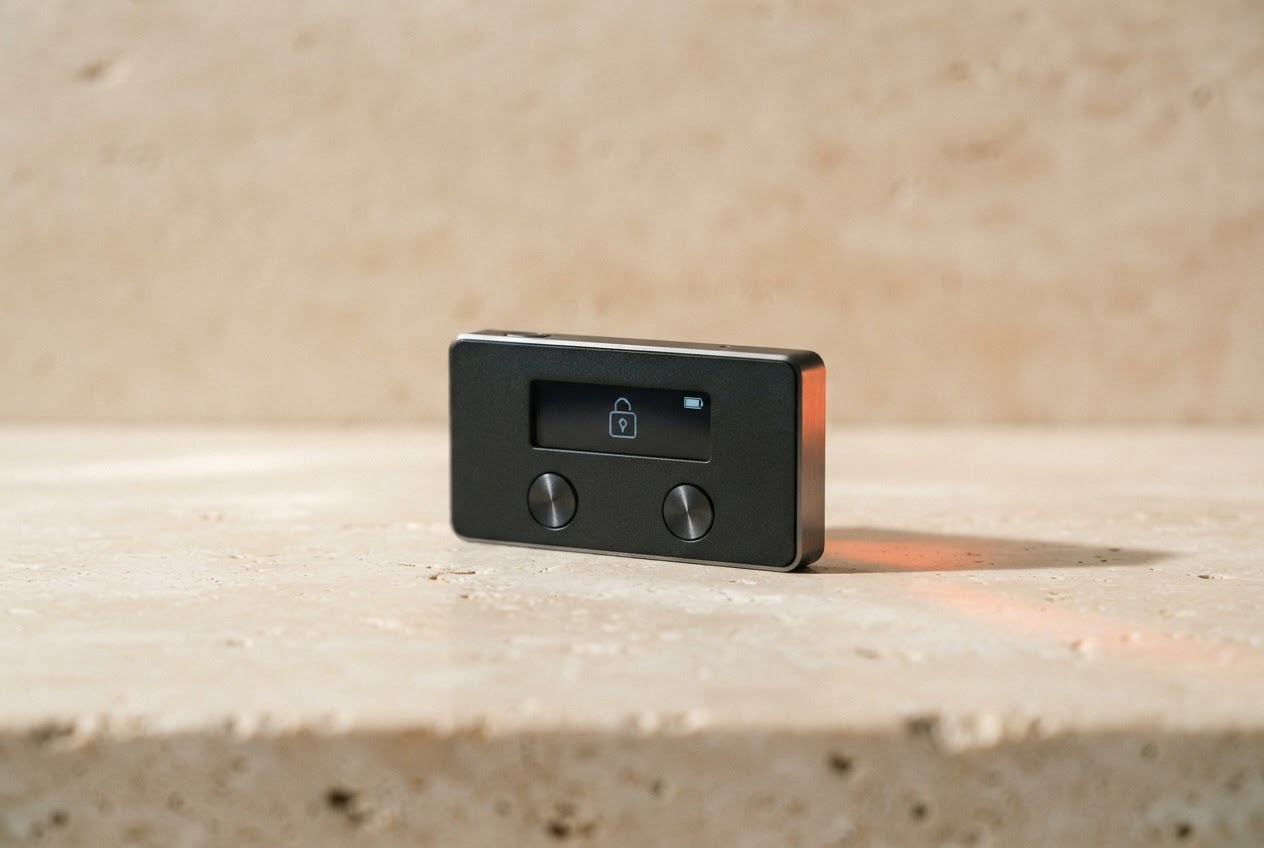
Owning cryptocurrency is one thing. Keeping it secure is another. A hardware wallet helps put the keys to your crypto in your hands—literally—so you can manage digital assets without leaving your most sensitive information exposed to an internet-connected device.
01What is a Trezor hardware wallet?
Trezor is a family of hardware wallets made by SatoshiLabs. Think of the device as a small, purpose-built vault for the private keys that authorize transactions. Your coins are not physically stored inside it: crypto exists on its blockchain. The wallet protects the secret keys that prove control of the assets associated with your addresses.
That distinction matters. When you use a typical online wallet, keys may be managed on a phone, computer, or by a service provider. A Trezor keeps key operations isolated in dedicated hardware. You connect it when you want to review or approve an action, while the sensitive signing process stays on the device.
Your recovery phrase is the master backup. Whoever has it can access the wallet—so treat it like the keys to your home.
02How it keeps your crypto safe
To send crypto, wallet software prepares transaction details and passes them to your hardware wallet. The device displays important information—such as the destination and amount—so you can check it on its own screen. If everything is correct, you confirm physically. The device signs the transaction internally and returns a signed result; your private key is not sent to the computer.
This separation helps reduce the risk of malware simply copying a key from a laptop. It does not make every threat disappear. A compromised computer can still show misleading information, so always verify the details on the hardware wallet display itself. If the address on screen differs from the one you intended, cancel.
During setup, the device creates a recovery phrase: a series of words that can restore access if the wallet is lost or damaged. It is a powerful backup, not a password-reset link. Anyone who learns it may be able to recreate your wallet elsewhere. Never photograph it, store it in cloud notes, type it into a website, or send it to “support.”
03Getting started, step by step
Buy directly from Trezor or an authorized reseller, and inspect packaging for signs of tampering. Avoid second-hand devices that arrive preconfigured. A legitimate setup should let you initialize the wallet yourself and create a fresh recovery phrase. If anyone provides you with a phrase in advance, do not use it.
- 1Use the official source.
Navigate to Trezor’s official website by typing the address yourself. Download Trezor Suite only from an official channel; beware of search ads and lookalike domains.
- 2Initialize your device.
Follow the on-screen instructions to install any offered firmware and create a new wallet. Set a PIN if your model and configuration support it.
- 3Write down the recovery phrase.
Record each word in the correct order using the method shown by the device. Keep the backup offline in a private, physically secure place.
- 4Test with a small amount.
Receive a modest test transfer, confirm its address on the device, then try a small send before moving larger balances.
04Everyday security habits
Make it a rule to verify addresses and transaction amounts on the device every time. Clipboard malware can replace a copied address, and a familiar-looking screen is not proof that a transaction is safe. Pause before approving anything unexpected. If a message creates urgency, asks for your recovery phrase, or promises to “synchronize” your wallet, assume it is a scam.
Keep your device firmware and wallet application current by following official instructions. Updates can bring improvements, but only install them through verified channels. Protect your PIN from prying eyes and secure the physical backup against theft, damage, and accidental discovery. Consider whether the people you trust would know how to find your backup in an emergency, without exposing it to others.
A passphrase may add another layer for experienced users, but it also creates another secret that can be lost. If you choose to use one, understand the recovery implications first. No support agent, legitimate or otherwise, needs your recovery phrase or passphrase.
05Choosing the right model
Trezor offers different devices and features, and the lineup can change. Compare current models on the manufacturer’s official site for supported coins, display and connection options, backup approaches, and compatibility with the software you intend to use. Do not choose based on a feature name alone: make sure you understand how it affects setup and recovery.
For a first wallet, clarity and a screen that makes transaction verification comfortable can matter more than a long specification list. A hardware wallet is one part of a broader security plan, alongside strong account passwords, two-factor authentication where available, careful device hygiene, and thoughtful backups.
Security is a practice, not a product.
Start small. Learn how recovery works before you need it. And remember: your keys, your responsibility—and your control.
This guide is for general educational purposes only and is not investment, tax, or security advice. Product features and supported assets may change; verify details with Trezor’s official documentation before acting.